The shift to remote work has redefined how businesses and employees interact, ushering in a new era of collaboration and productivity. However, it has also exposed various vulnerabilities in data security and personal privacy. As remote workers increasingly rely on digital tools and home networks, understanding how to protect sensitive information becomes paramount. This guide delves into actionable cybersecurity strategies tailored to the needs of remote workers and IT departments alike, addressing key concerns and offering solutions to create a secure virtual workspace.
Understanding the Cyber Threat Landscape
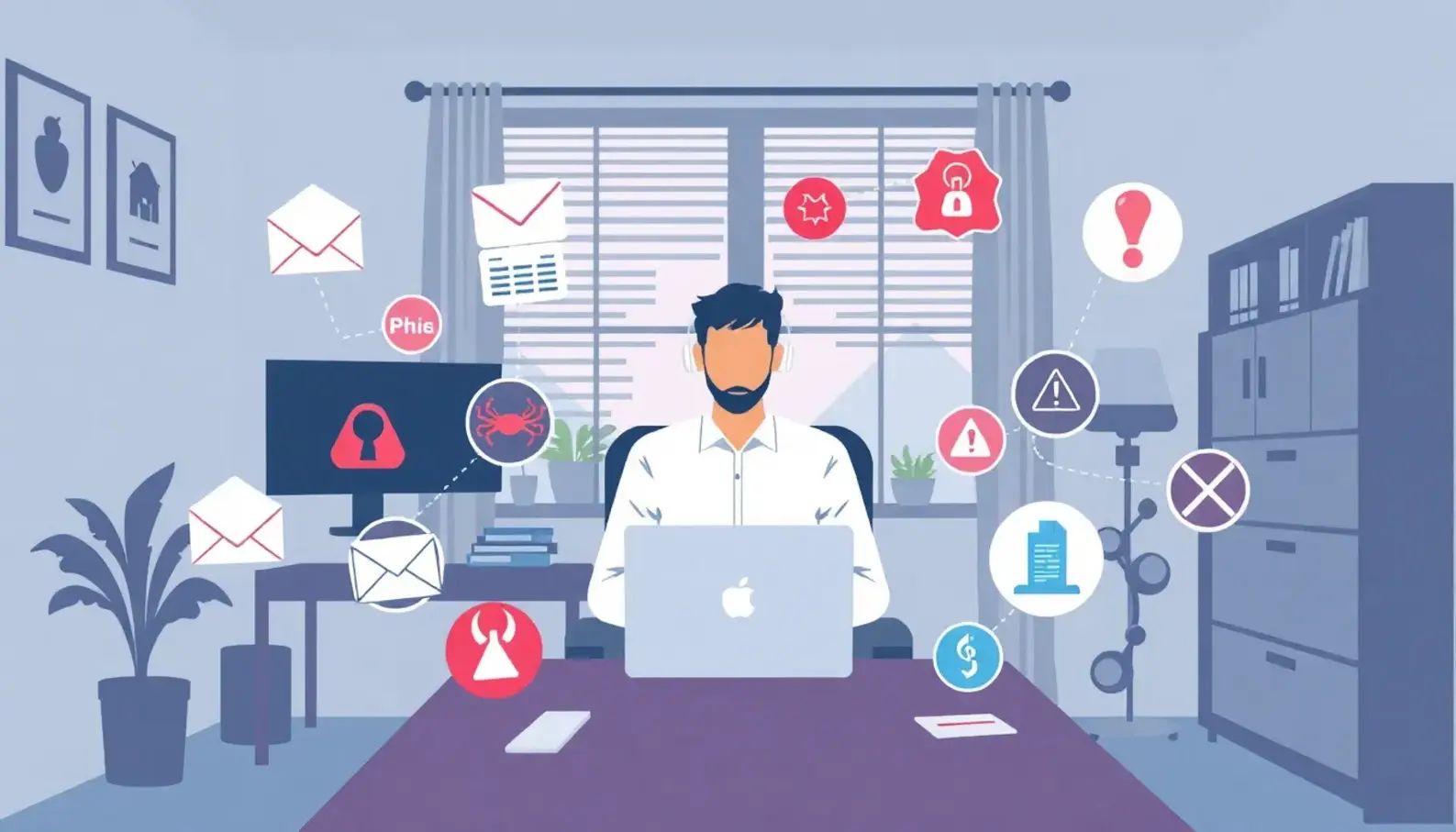
Remote work offers flexibility and accessibility, but it is not without risks. Cyber threats have evolved, targeting vulnerabilities in remote setups to exploit sensitive data and disrupt operations. Understanding these threats is essential for maintaining a secure digital workspace.
Phishing Attacks
Phishing remains a prevalent threat for remote workers. Cybercriminals craft convincing emails that impersonate trusted entities, tricking recipients into revealing sensitive information. These emails often carry malicious links or attachments that, when clicked, can compromise a user’s device. Remote environments are particularly susceptible because workers may not have the same level of IT support or oversight as they would in a traditional office. Vigilance is key. Be wary of unsolicited messages, and always verify the sender before clicking on links or providing personal information.
Technical sophistication amplifies the challenge of identifying phishing attempts. Some attacks utilize spear-phishing techniques, targeting individuals with personalized content, thus increasing the deception’s believability. Training and awareness programs, even in a remote setting, are crucial to help employees recognize and report suspicious activity.
Malware Threats
Malware encompasses a range of malicious software designed to harm or exploit devices. The threat to remote workers is significant due to the use of personal devices that may lack robust security measures. Malware can manifest through downloads from untrusted sites or as part of a seemingly innocuous application. Once installed, it can steal data, lock files, or use the device to launch further attacks.
To mitigate malware, ensure that all devices are equipped with updated security software and that employees understand the importance of keeping their systems current. Persistent education about safe browsing practices and the risks of downloading unknown software should be an ongoing effort.
Data Breaches
Data breaches pose a severe threat to businesses and individuals. Remote work environments, often less controlled than office setups, present ideal targets for cybercriminals. Unsecured networks, especially public Wi-Fi, are common entry points. Attackers intercept data transmissions, gaining access to sensitive information such as login credentials and financial details.
Implementing strong encryption protocols, like Virtual Private Networks (VPNs), can help secure data in transit. Encouraging the use of secure connections and reinforcing policies around data handling can further reduce the risk of exposure.
Exploiting Remote Work Vulnerabilities
Cybercriminals understand the inherent vulnerabilities within remote work structures. These include poorly configured home networks, lack of endpoint security, and insufficient backup strategies. Each presents opportunities for exploitation, but awareness and proactive defense measures can turn these weaknesses into strengths.
Network Security: Home networks should be secured with strong passwords and the latest encryption standards. Regularly updating router firmware and disabling unnecessary network services can also bolster defenses.
Endpoint Protection: Every device connecting to a company’s resources needs robust security. Endpoint protection software can detect and mitigate threats before they escalate.
Data Backup: Regular backups safeguard against data loss, ensuring recovery even if a device is compromised. Encouraging employees to follow a structured backup routine is vital.
By addressing these specific threats and vulnerabilities, remote workers can create safer environments. The challenges are significant, but with a blend of technology and informed practices, they are surmountable. Awareness and action are the most effective tools we have in protecting our digital workspaces from those with malicious intentions.
For those interested in learning more about cutting-edge technologies that enhance security, consider exploring smart assistant applications which are increasingly playing a role in managing and securing digital spaces.
Implementing Effective Security Measures
Remote work environments are more exposed to cyber threats than traditional office settings. Implementing effective security measures is crucial to protect against these threats. A multi-layered approach ensures that sensitive data and business operations remain secure.
Using VPNs for Secure Connections
A virtual private network (VPN) is an essential tool for remote workers. It encrypts your internet connection, making it difficult for malicious actors to intercept data. When working remotely, always connect to a reputable VPN before accessing company resources or handling sensitive information. This practice not only protects data but also ensures compliance with privacy standards.
VPNs are versatile, securing connections across various locations and devices. However, choose a VPN solution that offers robust encryption and does not keep logs of user activity. The best VPNs balance security, performance, and ease of use, enabling seamless integration into daily work routines without compromising security.
Secure Password Management
Weak passwords are a significant vulnerability in any digital environment. Remote workers should use secure password management practices to safeguard their digital workspace. Consider employing a password manager to generate and store complex passwords. This tool ensures that unique passwords can be used across multiple platforms without the need for memorization.
Furthermore, passwords should be changed regularly and never shared. Educate employees about the risks of password sharing and encourage them to use phrases instead of simple words. Phrases are more secure and easier to remember, significantly reducing the risk of unauthorized access.
Implementing Multi-Factor Authentication (MFA)
Multi-factor authentication adds an additional layer of security beyond passwords. It typically involves verifying a user’s identity through something they know (password), something they have (smartphone or hardware token), or something they are (biometrics).
Remote workers should enable MFA on all accounts that offer it, particularly for accessing company networks and sensitive data. This simple yet effective measure significantly reduces the likelihood of security breaches by requiring dual verifications for access.
Regular Software Updates
Keeping software up-to-date is a straightforward yet often neglected security practice. Software vulnerabilities are a common target for cyberattacks, making regular updates crucial. Most updates contain security patches that fix known vulnerabilities. Remote workers should configure automatic updates for operating systems and applications to ensure they always have the latest security enhancements.
Employers can support this practice by establishing a company-wide policy that reinforces the importance of software updates. Regular reminders and guidance on how to perform updates can help create a culture of consistency.
Fostering a Security-First Mindset
Creating a security-first culture within your organization is vital in mitigating cyber threats. This mindset involves continuous education and awareness training for remote workers. Regular workshops and training sessions can help employees understand current threats and how to combat them.
Consider providing resources and tools that empower employees to take security into their own hands. Encourage a sense of ownership over personal and organizational security. When employees feel responsible for their digital workspace’s safety, they’re more likely to adhere to security protocols.
Ensuring Compliance with Industry Standards
Industry standards and regulations are designed to protect sensitive data and maintain trust. Remote workers must be familiar with the standards applicable to their industry, whether it’s data protection frameworks like GDPR, HIPAA, or specific cybersecurity standards.
Organizations should provide comprehensive guidelines on compliance requirements. This might include regular audits, assessments, and compliance checks to ensure that all practices are in line with industry standards. Compliance is a continuous process, demanding ongoing attention and adaptation to meet evolving regulatory landscapes.
Explore further insights on emerging security practices by visiting Quantum Computing Innovations.
Adopting these security measures can significantly enhance your remote work setup’s overall safety. By approaching cybersecurity with thoroughness and diligence, remote workers and organizations can create a resilient defense against the rapidly evolving threat landscape.
Final words
Establishing robust cybersecurity practices is essential for remote workers and IT departments to ensure data security and protect against threats. By understanding potential risks and implementing effective measures, businesses can create a safe and productive remote work environment. Empower yourself with knowledge, and make cybersecurity a top priority in your daily operations.
Protect Your Remote Work Environment
Learn more: https://innoupdates.com
About us
At InnoUpdates, we provide Remote Work Security Solutions designed to secure your digital workspace. Our comprehensive services include advanced threat detection, secure VPN solutions, and employee training programs to equip your team with the knowledge needed to defend against cyber threats effectively.